
NexaFile AI Product Guide
Practical guides for individuals, freelancers/professionals and teams: upload or scan, cloud import, AI analysis, evidence verification, confidence, rules, review, reporting, access control and billing.
AI Credits in your plan
See the AI Credits included in each plan, when they are used and how to add more.
View plans and AI CreditsExplore the complete cloud document AI workflow
From PDFs, invoices and contracts to Google Drive, OneDrive, SharePoint, rules and human review.
Explore Cloud Document AIOne document workflow, from individual work to teams
You do not need to be a large company to use NexaFile. The same product supports personal documents, freelance/professional work and multi-user workflows.
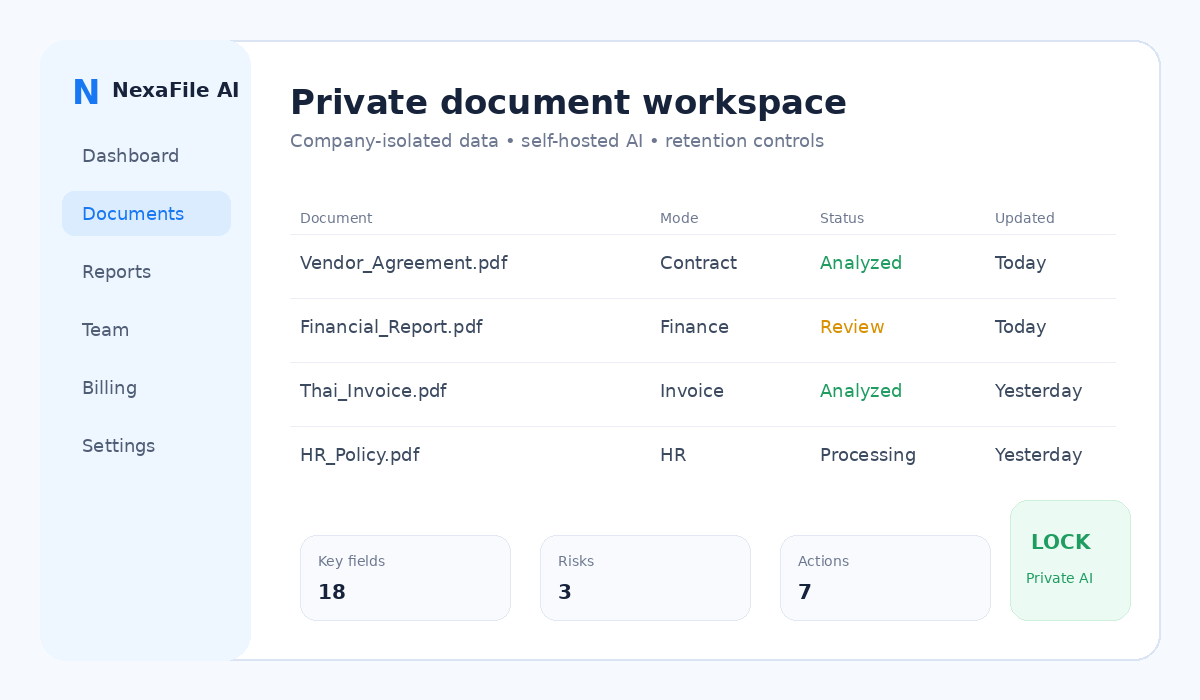
Understand important documents faster
Rental agreements, employment contracts, insurance, bills, personal records and scans. Upload directly, use Paper Scan, or choose files from Google Drive/OneDrive.
Guide for individuals →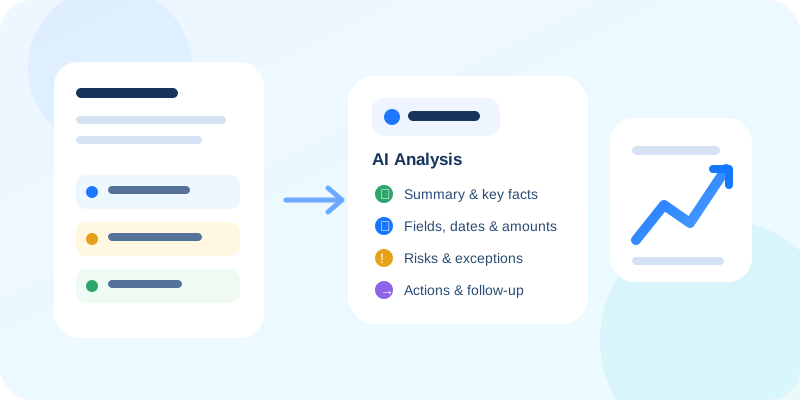
Turn client documents into structured work
Review proposals, contracts, invoices, reports and forms; extract fields, dates, amounts, risks and actions to reduce manual reading.
Guide for professionals →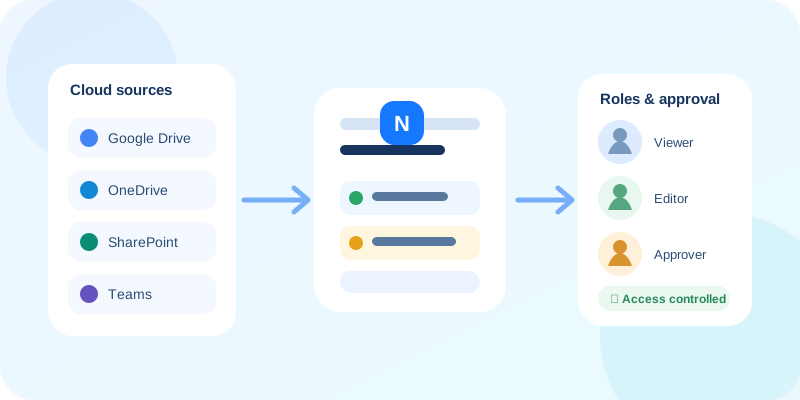
Roles, rules and approval workflows
Multi-user workspaces, departments, Department Managers, company rules, review/approval, reporting and SharePoint/Microsoft 365 for controlled workflows.
Guide for teams →Choose the document AI workflow that matches your task
Use the focused workflows below for three common jobs: PDF analysis, contract review and invoice data extraction.
AI PDF analyzer
Summarize PDFs and extract structured data, risks, dates and evidence-backed actions.
Explore PDF analysis →AI contract review
Identify clauses, obligations, key dates, renewals and issues that need human review.
Explore contract review →AI invoice data extraction
Extract vendor, invoice ID, PO, dates, tax, totals and line items for review before export.
Explore invoice extraction →How NexaFile works
Start with a paper document, a local file, or a file from Google Drive, OneDrive or SharePoint. NexaFile normalizes the content, analyzes it with AI, applies rules when needed and moves the result into a workflow for human review before use.
More than OCR — a complete Document Intelligence workflow
PDF, DOCX, XLSX, PPTX, JPG/JPEG, PNG, WEBP, HEIC/HEIF, CSV, TXT and scanned documents can enter the same workspace. Files can be uploaded directly or selected from Google Drive, OneDrive and SharePoint. AI output is organized into summaries, fields, dates, amounts, risks, actions and evidence for review.
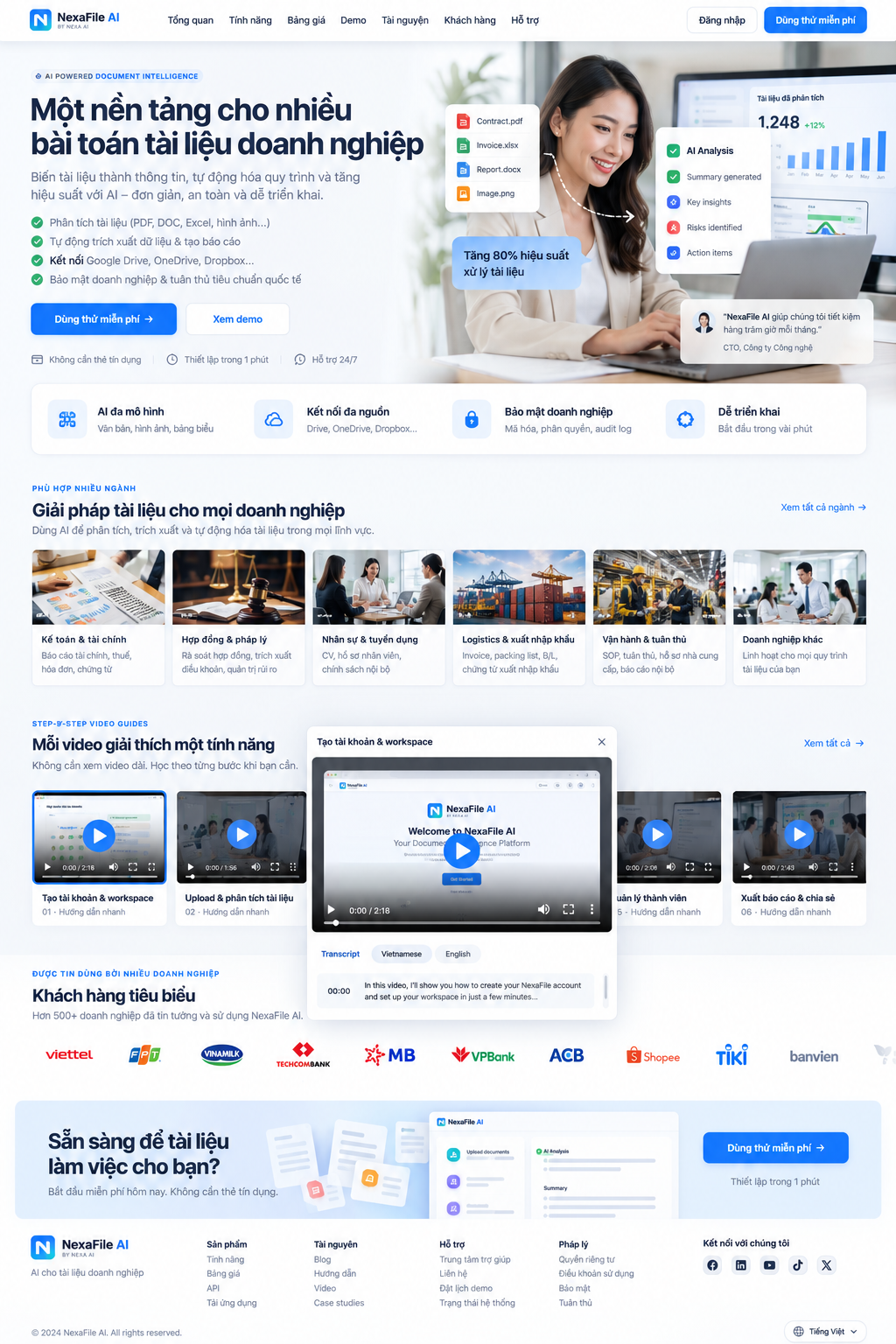
Choose documents from where you already work
All three cloud sources follow the same principle: connect the user’s own account, choose files, then import them into NexaFile.

Google Drive
Choose files with Google Picker. NexaFile imports only the files you explicitly select.

OneDrive
Works with personal Outlook.com/Hotmail or Microsoft 365, for both personal and work documents.

SharePoint
Choose SharePoint files with an organizational Microsoft 365 account, without entering a site URL.

Paper Document Scan
Open the camera, capture the document, review the image, then Import & Analyze. Use Documents for existing files.
Read the full guide →Cloud document sources
Connect your own account, choose the files you want, and send them into the same Document Intelligence workflow.
Read the full guide →Run AI analysis
NexaFile produces fields, summaries, risks and references to source pages.
Read the full guide →
Company Rules
Rules return PASS/WARNING/FAIL; a responsible reviewer checks evidence before approval or export.
Read the full guide →
Reports and export
Review available activity reports and export permitted results where your role allows it.
Read the full guide →Team and permissions
Owners and admins invite teammates. Each person receives access according to their assigned role and document permissions.
Read the full guide →
Trial and billing
See the AI Credits included in each plan, when they are used and how to add more.
Read the full guide →
Support
NexaFile support for individuals, freelancers/professionals and teams. Describe what you were doing, the document source, the step that failed and any error message so we can help faster.
Read the full guide →Import documents from Google Drive, OneDrive and SharePoint
Google Drive, OneDrive and SharePoint all feed the same analysis workflow after a user selects a file. OneDrive supports personal Microsoft accounts such as Outlook.com/Hotmail and Microsoft 365; SharePoint requires an account with access to an organization site/library.
- Connect the cloud source with the user’s own account.
- If your Microsoft 365 tenant requires admin consent, ask an IT Admin to approve NexaFile once. Consent does not give employees site access; a Site Owner must grant that separately. Reconnect with your own account. NexaFile requests delegated read-only access, not write permission.
- Admin consent approves the application but does not give employees SharePoint access. A Site Owner must grant site permissions separately.
- Browse folders/sites and choose the files to analyze.
- NexaFile downloads the selected files and normalizes supported formats.
- Files enter the same AI workflow as direct upload or Paper Scan.
When do you need team and approval workflows?
Individuals and freelancers can use a simple flow: bring in a document → AI analyzes → review it yourself. Teams can add assignments, departments, rules and Department Managers for controlled approval.
- A user uploads, scans or imports a document from cloud storage.
- AI analyzes the document and produces structured results.
- The document creator reviews first; content is not automatically exposed to Owners/Admins/Managers.
- When collaboration is needed, the document is assigned/shared with the appropriate reviewer.
- Teams can apply rules, revisions and approvals as part of the workflow.
AI Credits usage guide
A credit refill adds AI capacity in the current period; it does not raise the member limit or extend the period.
